If your blower fan noise is getting louder over time, it is not random. Your HVAC system is telling you something specific. The cause almost always falls into one of three categories, and the category determines whether you need 30 minutes with a brush or a phone call to a technician.
This article walks through each cause in order of likelihood, how to identify which one applies, and what to do about it.
Disclosure: This article contains affiliate links. If you purchase through these links, we may earn a small commission at no extra cost to you. As an Amazon Associate, we earn from qualifying purchases.
Why Is Your Blower Fan Noise Getting Louder? (Usually One of Three Things)
Understanding the cause before you act is the whole game here. HVAC blower fan loud noise causes generally trace back to one of these:
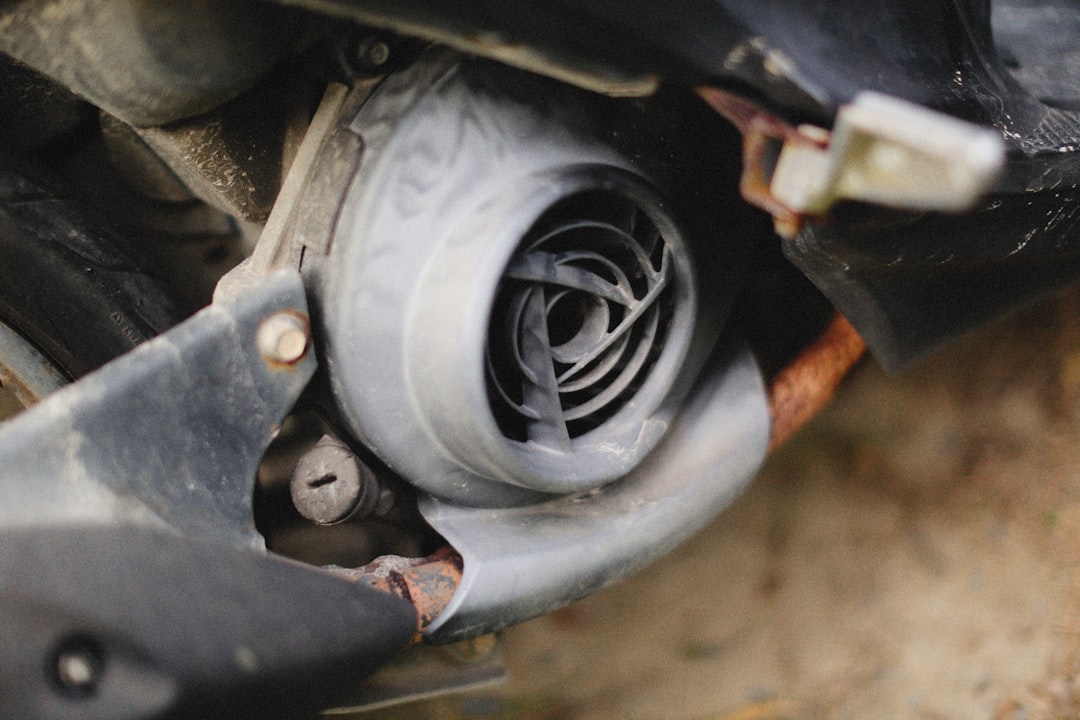
1. Dirt buildup on the blower wheel This is the most common cause by a wide margin. The blower wheel — the cylindrical, squirrel-cage-style drum that moves air through your system — collects dust and debris on its blades over time. That buildup is almost never even. Uneven weight on the blades throws the wheel out of balance. An unbalanced wheel vibrates. The more buildup, the worse the vibration, and the louder the noise. Cleaning resolves it completely.
2. Worn blower motor bearings Motor bearings allow the blower shaft to spin with minimal friction. As they wear, friction increases and the noise gets worse gradually. Homeowners usually describe it as a low hum, rumble, or grinding sound. This pattern does not respond to cleaning. It usually means the motor is near end of life and needs replacement.
3. Debris contact or loose hardware Something physically touching the spinning blower wheel — or a panel, mounting screw, or bracket that has vibrated loose — produces rattling or intermittent banging. This is usually the easiest fix. Inspection and minor repair typically take care of it.
Note on squealing: If your noise is a high-pitched squeal rather than a growing rumble, that is a different problem — typically related to belts or bearing squeal. The guidance below focuses on blower fan noise getting louder in volume or intensity over time: rumbles, rattles, hums, and grinding.
How to Tell What Kind of Noise Your Blower Fan Is Making
Match your noise to a cause before opening anything. This is blower motor noise diagnosis at the listening stage — no tools needed yet.
| Noise Type | Most Likely Cause |
|---|---|
| Smooth hum or vibration that has increased gradually over months | Dirt buildup on blower wheel blades |
| Similar hum but with slight roughness or harshness, especially at startup | Early bearing wear |
| Constant grinding or rough rumble the entire time the blower runs | Bearing wear or failure |
| Rattling, clanking, or intermittent banging | Debris contact or loose hardware |
| Whirring or whooshing that has increased over months | Dirt buildup restricting airflow and creating turbulence |
Also note:
- When the noise happens — startup only, continuously, or only at high speed
- Whether the noise has changed in pitch or character, or just gotten louder
- Whether you can feel vibration through the vents or the unit housing
This noise profile guides everything below. Volume increase alone usually points toward buildup. A change in tone or texture — rougher, harsher, different — points toward mechanical wear.
When Cleaning the Blower Fan Will Actually Solve the Problem
Cleaning is the right first move when:
- The blower fan noise getting louder has been a smooth, gradual increase over months — not weeks
- The system has gone more than a year without a blower cleaning
- Filters have been neglected, the home has pets, or there has been recent construction or renovation work nearby
- The noise is louder but not rougher — the character has not changed, only the volume
Here is what is happening: dust settles on blower wheel blades unevenly. Even a small amount of extra weight on one side of a fast-spinning wheel creates imbalance. That imbalance causes vibration. The vibration travels through the housing and into your ducts as noise. More buildup means more imbalance, which means louder noise.
After a thorough cleaning, the noise should drop noticeably — often back to near-silent operation within minutes of restarting. If it does not, the cause is something else.
Blower Fan Noise Getting Louder Even After Cleaning? Here’s What That Means
This is where furnace blower fan cleaning vs replacement becomes the real question. Be honest with yourself about these indicators:
- Grinding or metallic roughness in the noise that was not there before — smooth rumbles do not grind
- The noise has changed character, not just volume — a different texture or pitch points to mechanical wear, not imbalance
- The motor housing feels hot after running — distinct from normal warmth; uncomfortable to hold your hand against
- The blower wheel wobbles when you spin it by hand with power off — this means bearing play or wheel hub damage
- The system is 10–15+ years old and this is the first noise problem — bearing wear follows a predictable lifespan
- Noise is unchanged after a thorough cleaning — at that point, imbalance has been ruled out
Why does cleaning fail in these cases? Removing dirt restores balance. But it cannot fix worn bearing races, a damaged wheel hub, or a degrading motor. Cleaning a failing blower does not repair it — it just delays the diagnosis while the problem gets worse.
Blower motor replacement is a technician job for most homeowners. The motor must be matched to your specific air handler or furnace by model and electrical specifications. Wrong installation can cause immediate motor failure or create a safety hazard. The labor cost is reasonable given the risk.
How to Clean a Blower Fan Wheel Without Removing the Unit
If your noise profile points to dirt buildup, this is where to start. In most cases, you do not need to remove the blower wheel to do an effective cleaning.
Before You Start
- Shut off power at the breaker — not just at the thermostat. The blower can start while you are inside the compartment if only the thermostat is off.
- Let the system sit for 10 minutes before opening anything.
What You Need
- Stiff-bristle brush or a detail brush set (a detail brush set gives better reach into narrow blade channels)
- Vacuum with a narrow crevice attachment — a shop vac with a narrow nozzle works well
- Flashlight
- Screwdriver for the access panel
- Appliance cleaner or mild foam degreaser for heavy buildup
Cleaning Steps
- Remove the access panel on the furnace or air handler. Most panels use two to four screws or a lift-and-pull release.
- Locate the blower wheel. It sits inside the blower housing — a cylindrical drum with fin-like blades around its perimeter.
- Inspect with a flashlight. Look for visible dust, matted debris, or uneven loading on the blades. Even minor buildup can cause real imbalance at operating speed.
- Loosen buildup with the brush. Work around the wheel one section at a time, scrubbing each blade you can reach. A detail brush set helps here — narrower brushes reach deeper into blade channels.
- Vacuum immediately. Do not let loosened debris fall into the housing or onto the heat exchanger. Follow the brush with the vacuum nozzle on every section you clean.
- Apply appliance cleaner for heavy or greasy buildup. Apply it to the brush rather than spraying directly into the housing. Scrub each blade and let it dry fully before restoring power.
- Reassemble, restore power, and run the system. Listen within the first few minutes of operation. Blower fan noise getting louder again shortly after means the cause is not buildup.
What Not to Do
- Do not use compressed air or a leaf blower to dislodge debris — this forces contamination deeper into the system and onto the heat exchanger
- Do not spray anything wet directly onto the motor body or electrical connections
- Do not skip the breaker shutoff — this is not optional
Hard Thresholds: When to Stop and Call a Technician
Stop and call a professional if:
- The noise has a grinding or metallic character, or the wheel wobbles when spun by hand
- You smell burning when the system runs — shut it off immediately and do not restart it until a technician has inspected it
- The noise is unchanged after a thorough cleaning
- The blower wheel has visible damage — cracked, bent, or missing blades
- You are not comfortable shutting off the breaker and working inside the air handler
If the system is also behaving strangely — cycling oddly, not responding to thermostat changes, or running when it should not — it is worth taking a few minutes to check thermostat wiring before calling a technician. Control-side problems can sometimes look like mechanical ones.
How to Prevent Blower Fan Noise From Getting Worse Over Time
Catching this early is far cheaper than responding to it late. A few consistent habits keep blower fan noise from getting louder in the first place:
- Change or clean your air filter on schedule. A clogged filter lets more debris reach the blower wheel. This is the most preventable contributor to buildup.
- Have the blower wheel inspected and cleaned during annual HVAC service. A technician can clean the wheel more thoroughly than most homeowners can without removing it.
- Listen to your system seasonally. A slight increase in noise caught early can be fixed with a simple cleaning. The same problem ignored for two years can add enough imbalance to accelerate bearing wear.
- If your system is approaching 12–15 years old, talk to your HVAC technician about a proactive blower motor evaluation before a mid-season failure forces an emergency call.
The blower fan noise getting louder is one of the more reliable early warnings your HVAC system can give you. Acting early usually means a cleaning and nothing more. Waiting often means a motor replacement that could have been avoided.
Frequently Asked Questions
How do I know if my blower fan noise is from dirt or a dying motor? Dirt buildup causes a smooth increase in volume — louder, but the same basic sound. A dying motor changes the character of the noise: it gets rougher, harsher, or develops a grinding quality. If cleaning does not reduce the noise, the cause is mechanical.
Can I clean the blower wheel without taking it out? Yes, in most cases. Using a stiff brush and a vacuum with a narrow attachment, you can clean the blades through the access panel without removing the wheel. Thorough removal and deep cleaning are best handled during professional service.
How often should a blower wheel be cleaned? Every 2–3 years for most homes. Homes with pets, older duct systems, or heavy dust exposure may need annual cleaning. Skipping filter changes speeds up buildup significantly.
What does a failing blower motor sound like? A failing motor typically produces a low grinding or rough rumbling sound that is present the entire time the blower runs. It may be worse at startup. The noise does not fluctuate much and does not improve after cleaning.
Why is my blower fan so loud after cleaning? If the noise is completely unchanged after a careful cleaning, the cause is not dirt buildup — it is mechanical. At that point, continued cleaning will not help. The next step is a technician inspection for bearing wear or motor damage.