A light that flickers consistently — especially when the switch is touched or at the moment of switching — usually points to a loose wire causing flickering lights at the switch or fixture. It is not likely a faulty bulb or a panel problem. Flickering lights are one of the most common electrical complaints homeowners report, and a loose connection is worth diagnosing promptly. A loose wire that arcs generates heat. Over time, that heat damages insulation. This article walks you through confirming the diagnosis, locating the specific connection at fault, and deciding whether you can fix it yourself.
Disclosure: This article contains affiliate links. If you purchase through these links, we may earn a small commission at no extra cost to you. As an Amazon Associate, we earn from qualifying purchases.
How to Tell If a Loose Wire Is Causing Flickering Lights
Before you open anything, confirm you are dealing with the right problem. A loose wire has a recognizable pattern.
Signs that point to a loose wire:
- The flickering happens when the switch is touched, bumped, or toggled
- The flickering is isolated to one specific fixture — not multiple rooms or circuits
- The light flickers at the moment of switching but stabilizes quickly
- The flickering has gotten worse gradually over weeks or months
Rule these out first:
- Loose or incompatible bulb — If the fixture uses an LED in a dimmer circuit, reseat or swap the bulb before going further. LEDs and dimmers are not always compatible, and an incompatible pairing produces its own flicker pattern.
- Failing dimmer switch — A dimmer that flickers at low settings but not high settings is often rated for incandescent loads being used with LED bulbs. That is a dimmer compatibility issue, not a loose wire.
- Utility voltage fluctuation — If flickering affects multiple rooms at the same time, or coincides with large appliances cycling on, the problem is upstream of your switch or fixture. That requires a different diagnosis entirely.
If flickering is isolated to one light and responds to switch contact, a loose wire causing flickering lights is the most likely explanation. Move forward with the inspection below.
Tools You Need Before Checking for a Loose Wire Flickering Light Problem
Get these together before removing a single screw.
Required:
- Non-contact voltage tester — This is not optional. A non-contact voltage tester lets you confirm that no power is present at the wires before you touch them. Hold it near a wire or terminal and it beeps or lights up if voltage is detected. Knowing how to use a non-contact voltage tester safely before you open a box is essential. Homeowner-grade testers from Klein or similar brands are reliable and affordable.
- Flathead and Phillips screwdrivers
- Needle-nose pliers — useful for reshaping wire hooks and seating wires onto screw terminals
Optional but helpful:
- Flashlight or headlamp — switch boxes are often dim
- Wire nuts and electrical tape — if you find a loose fixture connection, you may need to redo it on the spot
Safety rule: Turn off the breaker controlling the circuit before removing any cover plate or fixture canopy. Do not rely on the wall switch alone. Switches interrupt one conductor, but the box may still have energized wires present. After flipping the breaker, use your non-contact voltage tester at the switch or fixture before touching any wire. Confirm the tester reads no voltage. Do this every time — it is not a step to skip.
How to Diagnose a Loose Wire Causing Flickering at the Light Switch
Start here. The switch is the more likely location and easier to access than the fixture.
Step-by-step:
- Turn off the breaker controlling the circuit.
- Remove the switch cover plate.
- Hold the non-contact voltage tester near the switch terminals. Confirm no voltage.
- Unscrew the switch from the electrical box and gently pull it out 2–3 inches — enough to see the wire connections.
- Inspect visually before touching anything:
– Look for a wire that has pulled away from its terminal screw – Look for a wire end with a short or broken hook that is barely making contact – Look for discoloration or scorch marks at a terminal — this means the connection has been arcing
- Gently tug each wire. A properly secured wire does not move. A loose wire will have visible play or may pull free entirely.
What a good connection looks like: On screw-terminal switches, the wire end should be bent into a clockwise hook and seated under the screw. No exposed copper should stick out beyond the screw head. The screw should be snug — not spinning freely.
The backstab problem: Many switches installed in the 1980s and 1990s use push-in backstab terminals. The wire inserts into a small hole and is held by a spring clip rather than a screw. These connections weaken over time. They are a known, common cause of loose wire flickering light problems. If your switch uses backstab terminals, that is the likely culprit — even if the wire does not look obviously loose. Re-inserting the wire into the same backstab terminal is not a reliable fix. The correct repair is to move the wire to a screw terminal or replace the switch entirely. See How to Replace a Standard Single-Pole Light Switch for full wiring and replacement steps.
Expected result: You find either a visibly loose screw-terminal connection or backstab terminals that are the failure point. If everything at the switch looks solid and tight, move on to the fixture.
How to Diagnose a Loose Wire Causing Flickering at the Light Fixture
Do this step if the switch checked out clean, or if the light flickers without the switch being touched at all. That pattern points the fault further down the circuit.
Step-by-step:
- Turn off the breaker. Use the non-contact voltage tester at the fixture wires before proceeding. Confirm no voltage.
- Remove the fixture cover or canopy to expose the wire connections inside the electrical box.
- Locate the wire nut connections — typically two bundles (black-to-black, white-to-white).
- Without removing the wire nuts, gently tug each bundle. A solid connection holds firm. Movement means the nut is not gripping properly.
- Unscrew each wire nut and inspect inside:
– All wire ends should be fully inside the nut with the copper twist extending into the threaded interior – Look for a wire that has pulled partially out of the bundle — even one strand losing contact can cause intermittent flickering – Look for green discoloration on the copper wire ends, which indicates corrosion creating electrical resistance
Signs the fixture connection is the fault:
- A wire nut that rotates but does not feel like it is gripping wire
- A single strand separated from a stranded wire end inside the nut
- Corroded or darkened copper at the wire ends
Expected result: You find one loose or poorly made connection that matches the symptom, or you confirm both locations are solid and need to escalate the diagnosis.
How to Fix a Loose Wire Causing Flickering Lights
If the fault is at the switch:
- Screw-terminal connection: Strip a fresh ¼ inch of copper. Bend a clockwise hook with needle-nose pliers. Seat it under the terminal screw and tighten firmly. The hook should wrap around the screw shank — not just touch it.
- Backstab terminals: Do not reuse them. Move the wire to the screw terminal on the same switch, or replace the switch with a model that uses screw terminals only. See How to Replace a Standard Single-Pole Light Switch for complete step-by-step wiring instructions.
If the fault is at the fixture:
- If the wire end is corroded, trim it back to fresh copper before reconnecting. Strip approximately ¾ inch. Align the wire ends into the bundle and thread on a properly sized wire nut. Twist clockwise until snug and give each wire a firm tug to confirm the nut is gripping.
- If the wire is too short to rework cleanly, a wire connector with a built-in pigtail can extend it. This is a common and acceptable fix.
Wire nut sizing: Wire nuts are color-coded by capacity. For standard 14 AWG or 12 AWG residential wiring, yellow or orange wire nuts are typical. An assortment pack covers most household repairs and is worth keeping on hand.
Confirm the repair: Restore power at the breaker. Toggle the switch several times. A successful repair produces a clean on/off with no flicker and no delay.
To reduce recurrence:
- Always use screw terminals — not backstab push-ins — when installing or replacing a switch or outlet
- Twist wire nuts firmly and test each bundle with a tug before closing the fixture canopy
- If the fixture flickers again after a repair, check the other location or call a professional if the pattern does not match a single loose connection
When Flickering Lights Mean More Than a Loose Connection
Most loose connections at switches and fixtures are safe to diagnose and fix yourself. But stop and call a licensed electrician if you find any of the following:
- Scorch marks or melted insulation inside the switch box or fixture canopy — arcing may have spread beyond the connection point
- Brittle, crumbling, or cracked wire insulation — a sign of older wiring that needs professional evaluation before any work proceeds
- Aluminum wiring — dull silver-colored wire rather than bright copper. Aluminum wiring requires specialized connectors and techniques. Do not reconnect it the same way you would copper.
- A burning smell from the switch or fixture at any point during or after troubleshooting
- Flickering in multiple rooms or on different circuits — this points to a panel or utility problem, not a single connection
- You open the box and are not confident in what you are seeing — that is a valid reason to stop and call a professional
A loose wire that is arcing does not fix itself. If the symptom is there, it needs to be addressed — either by you or by someone qualified to do it safely.
Frequently Asked Questions
Can a loose wire cause flickering even if the light usually works fine?
Yes. Intermittent contact produces flickering only under certain conditions — heat expansion, vibration, or slight movement of the switch. The light may work normally most of the time and still have a loose connection causing the problem.
Is a flickering light always dangerous?
Not always immediately. But a loose wire that is arcing can cause damage over time. It should be diagnosed and corrected rather than monitored and ignored.
What if I tighten the wire and it flickers again a few weeks later?
The wire end may be too short or corroded to hold a reliable connection. Cut back to fresh copper, re-strip, and reconnect. If it recurs a second time, have an electrician evaluate the box.
Can the problem be at both the switch and the fixture?
It is possible but uncommon. Start with the switch — it is the more likely location and easier to access — before opening the fixture.
My light only flickers when I touch the wall near the switch. Is that a loose wire?
Yes. That pattern strongly suggests the fault is at the switch box. Vibration transmitted through the wall is enough to break intermittent contact at a loose terminal.
What is a backstab terminal and why is it a problem?
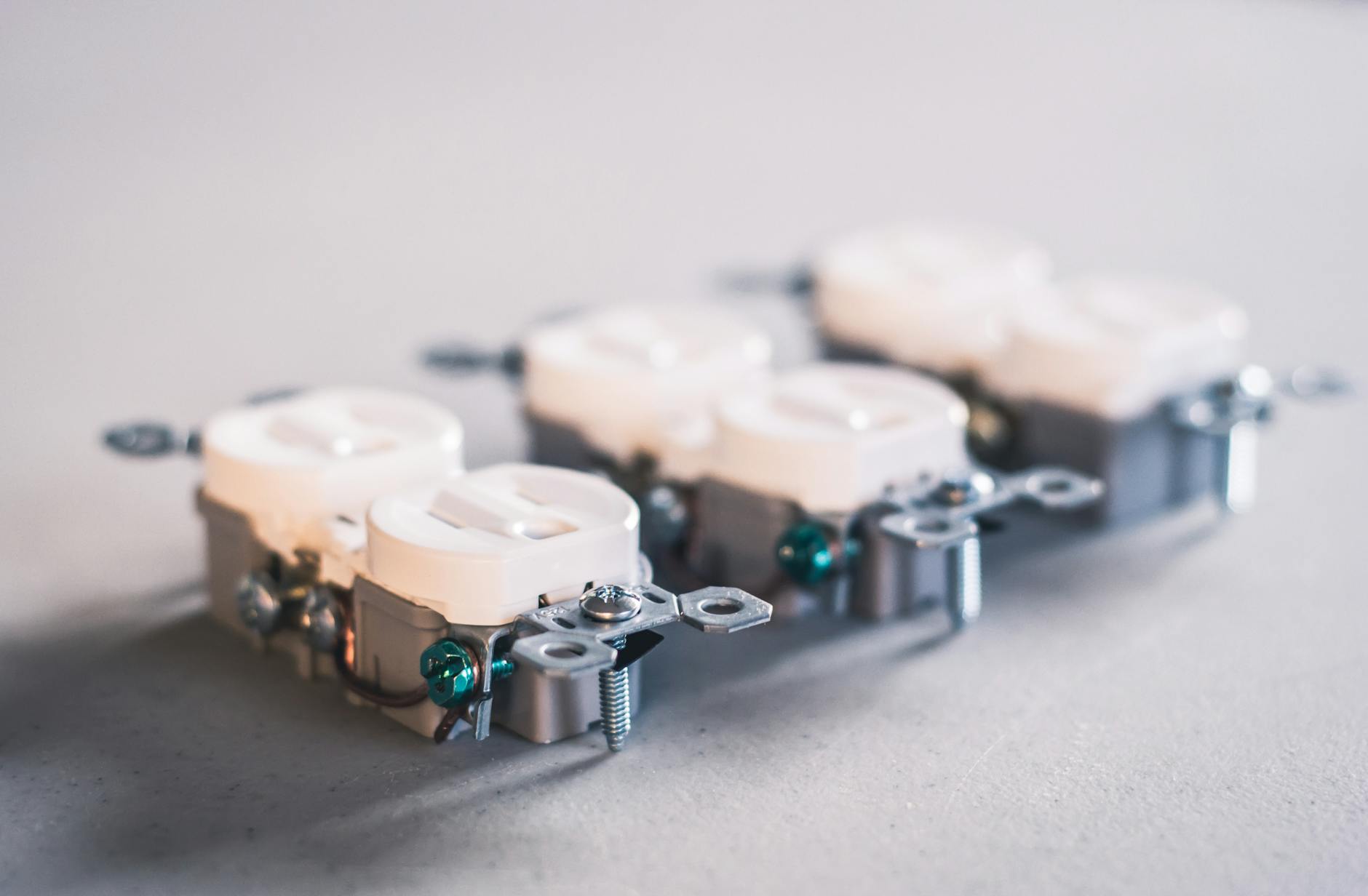
Backstab terminals grip the wire with a spring clip rather than a screw. They can loosen over time and are a known failure point in residential switches and outlets. Screw terminals are more reliable and should be used for any connection you remake.

Home Electrical & Appliance Troubleshooting